✦ for iPhone
screen time blocker
that ACTUALLY works.
say goodbye to "one more minute" :)
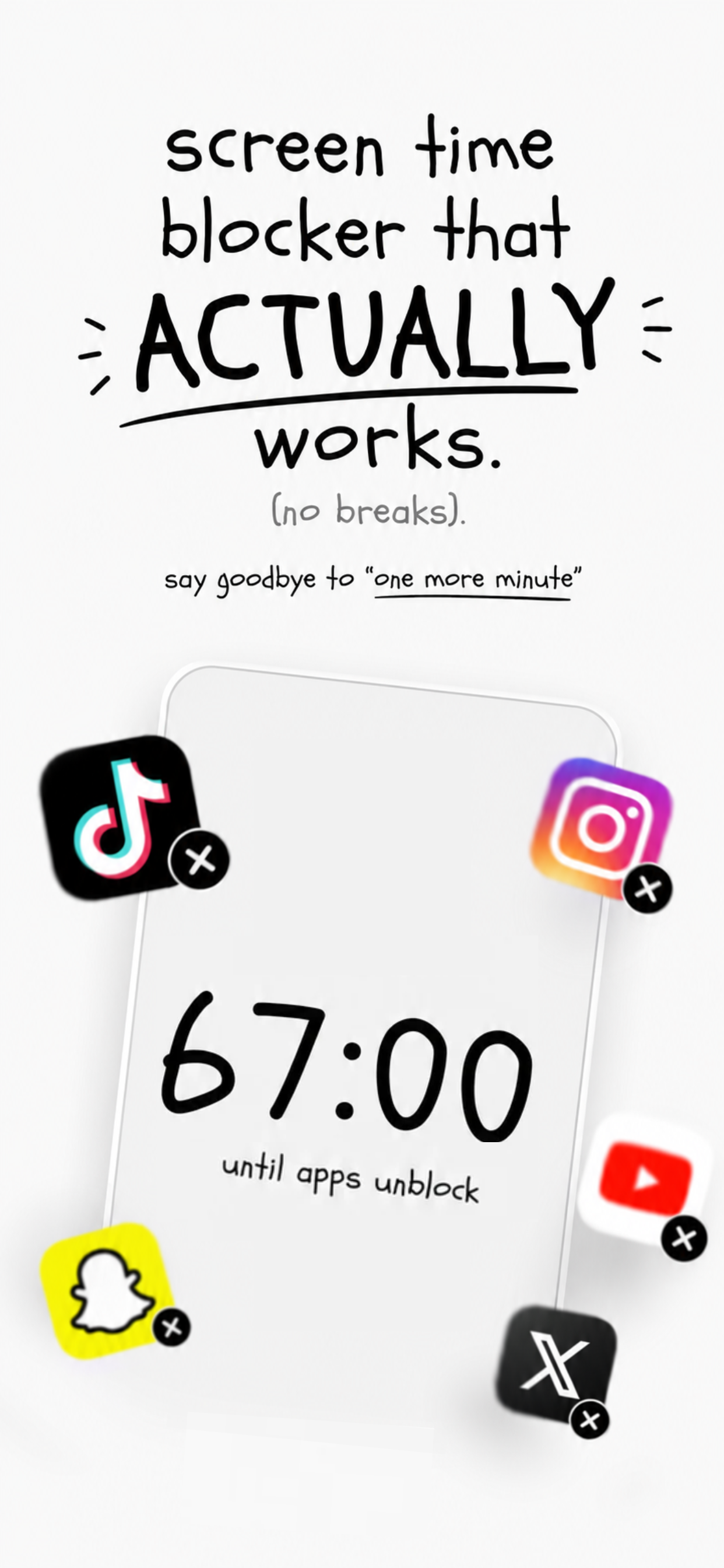
✦ for iPhone
say goodbye to "one more minute" :)
Pick the apps you want to block and set a daily screen time limit. Only your selected apps count toward the timer.
When your daily limit is up, your selected apps get blocked. If you want a break, wait 67 minutes first.
After the countdown, enjoy a short break (1–15 mins). When your break ends, your apps automatically re-block.
✦ why it works
Normal Screen Time lets you tap "Ignore Limit for Today" and keep scrolling. 67 doesn't. When time's up, it's up. No easy outs, no shortcuts.
no more doomscrolling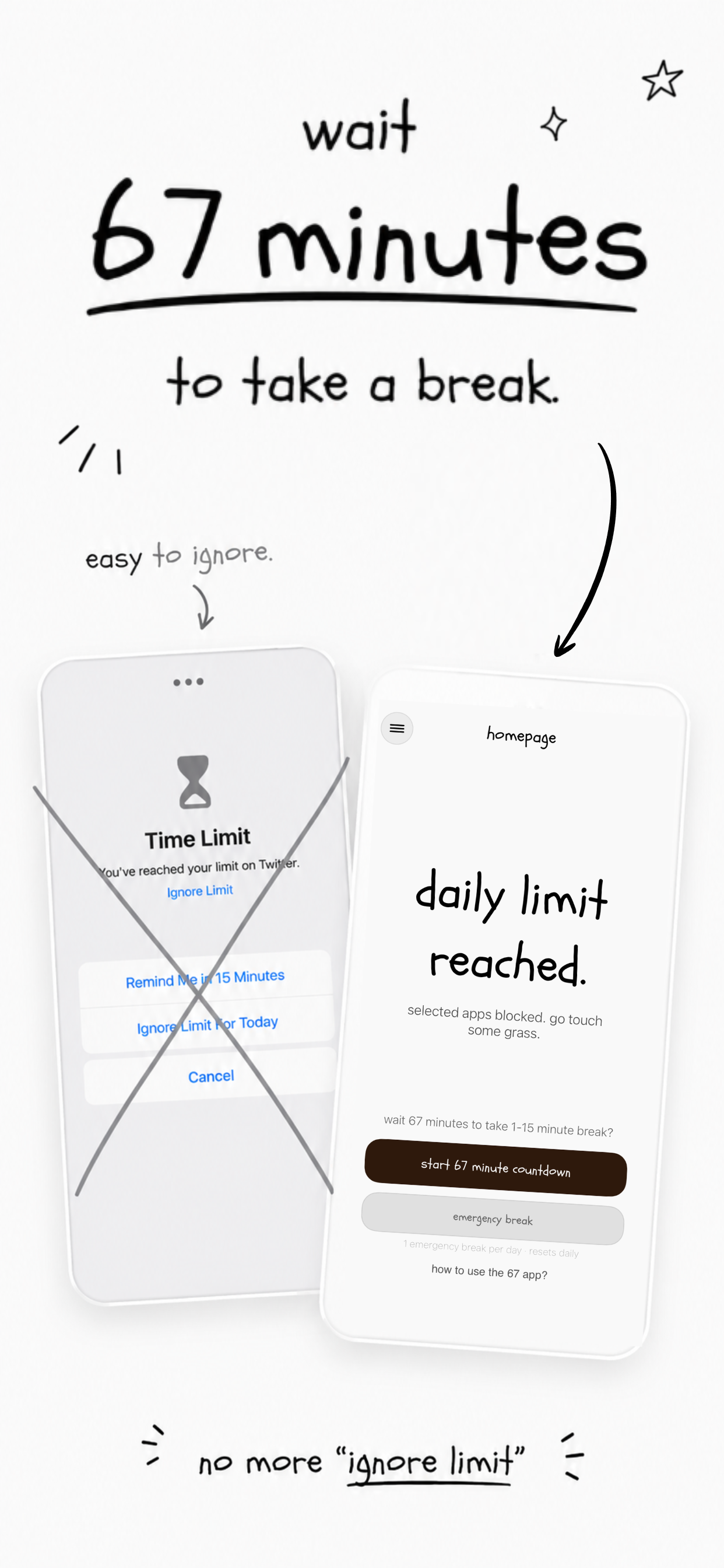
✦ instant blocking
No delays. No second chances. The moment your daily limit is reached, your selected apps are completely blocked.
no delays. no second chances.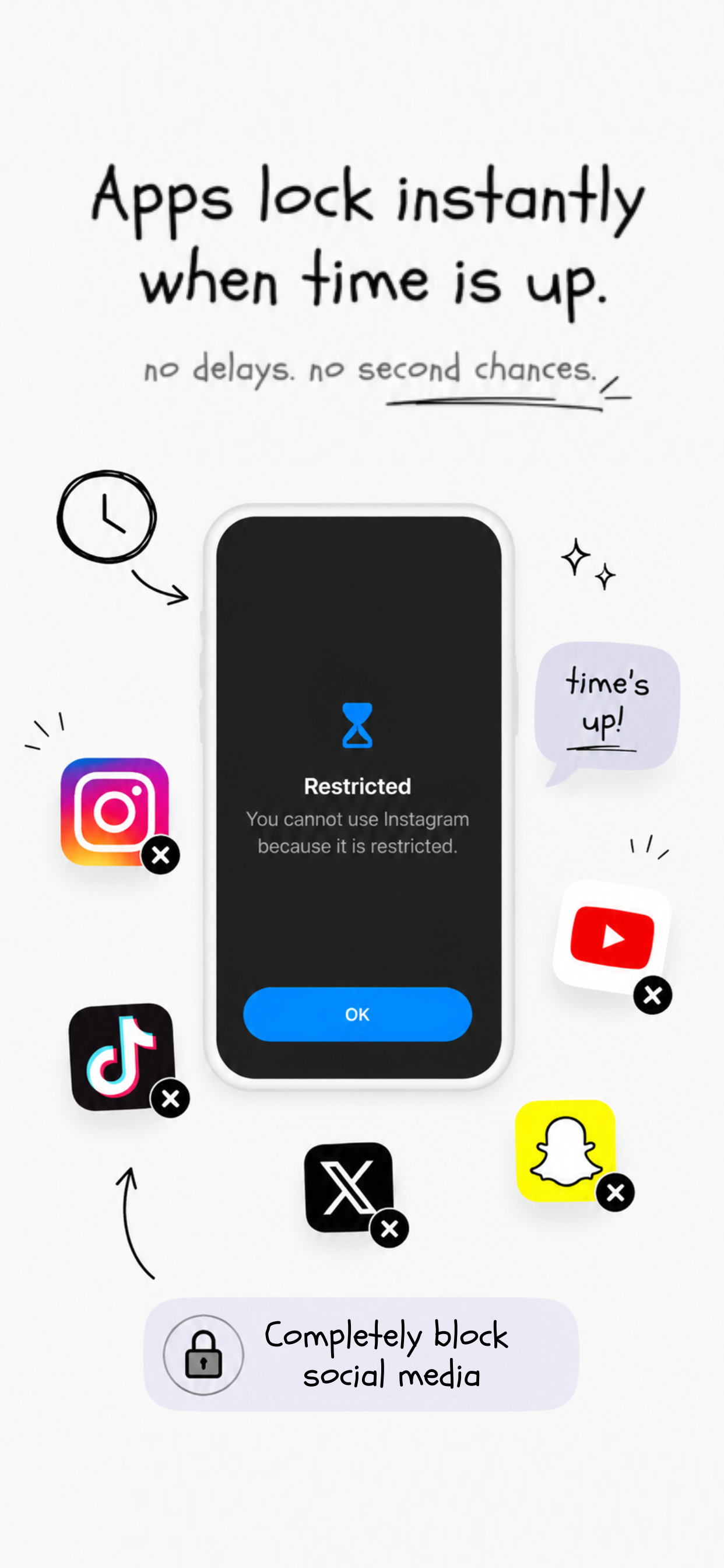
✦ set it up in seconds
Choose which apps you want to track — Instagram, TikTok, YouTube, whatever — then set a time limit. Simple.
takes 30 seconds to set up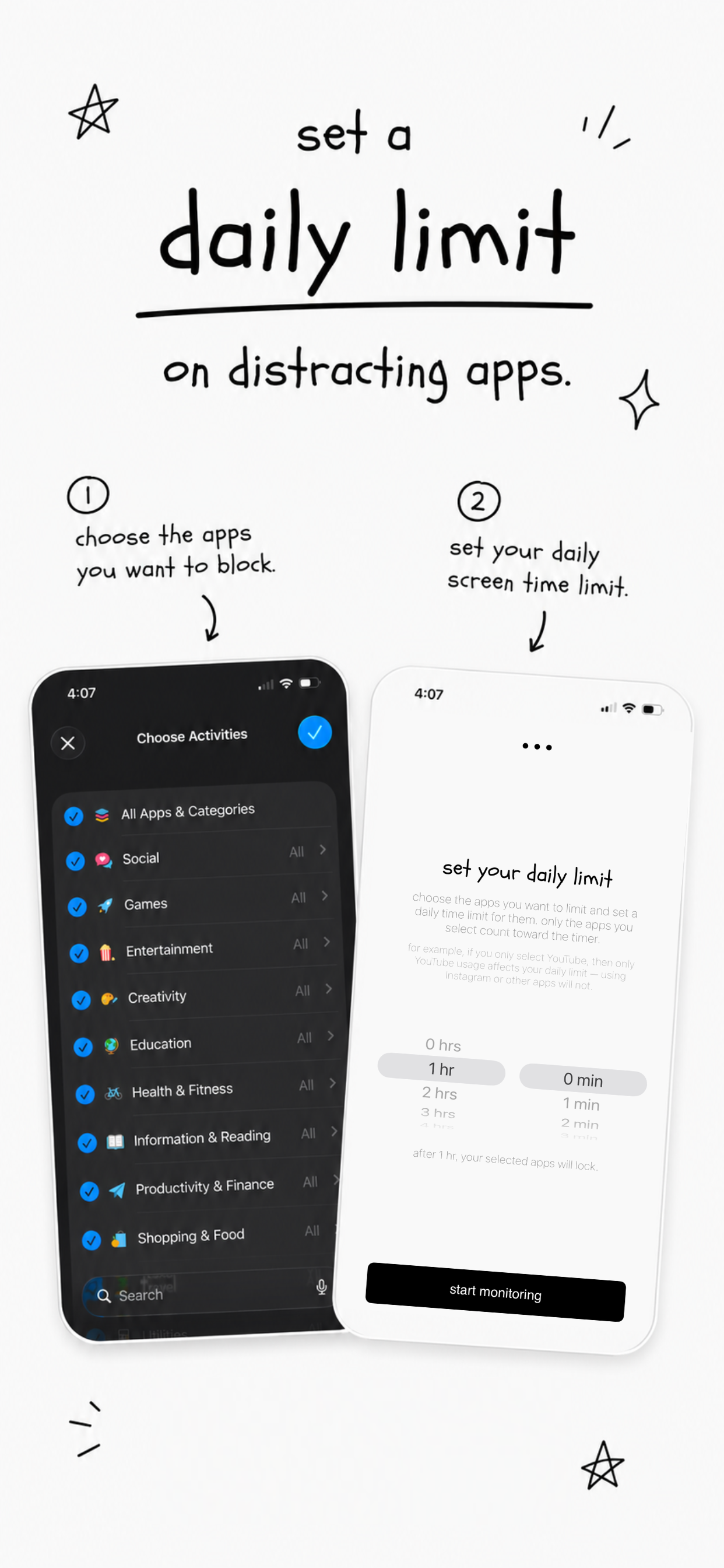
✦ minimal by design
Not distracting and easy to use. A single homepage shows your remaining time. Settings are dead simple. No noise.
not distracting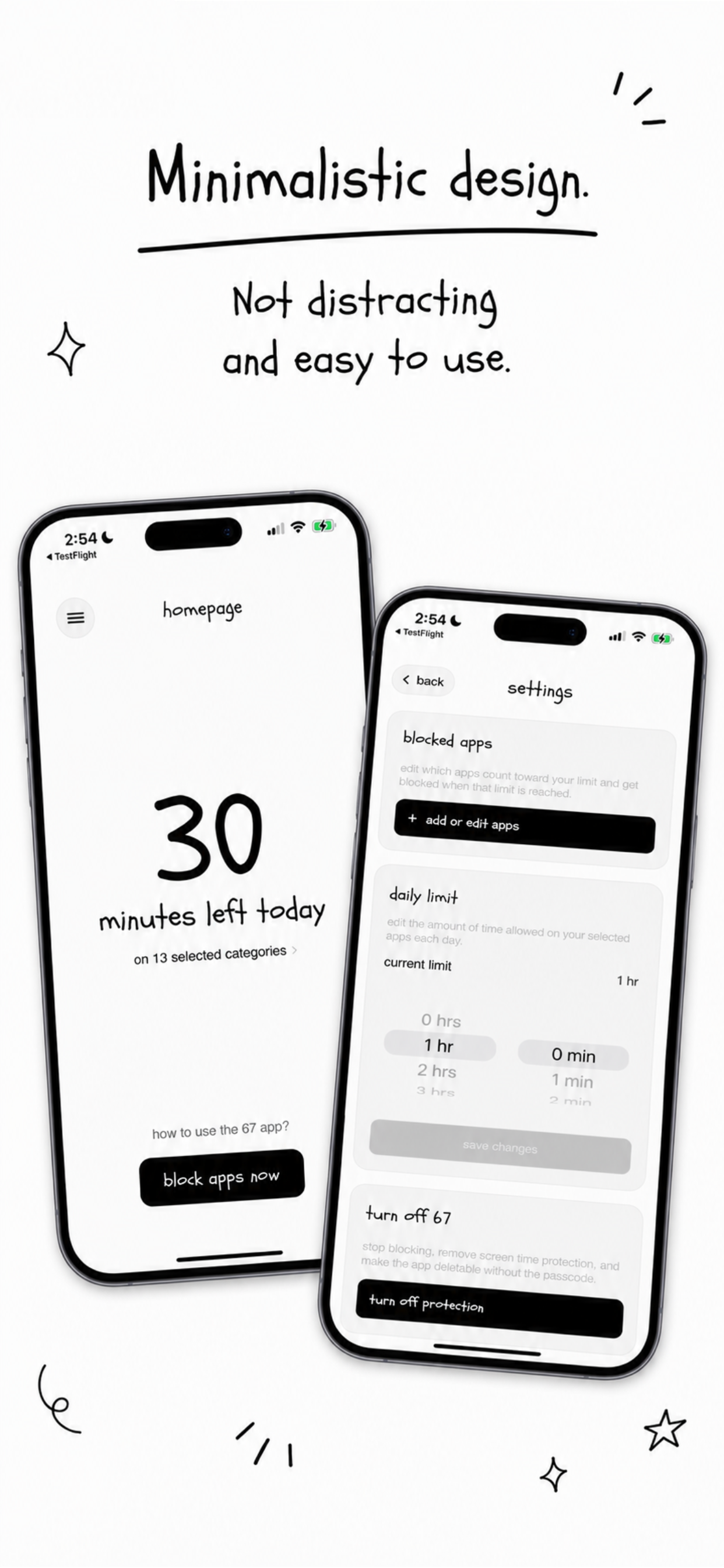
✦ built to stick
Your apps are locked. No shortcuts. No cheating. Built to make limits actually stick. Finally stop doomscrolling for good.
no easy bypassing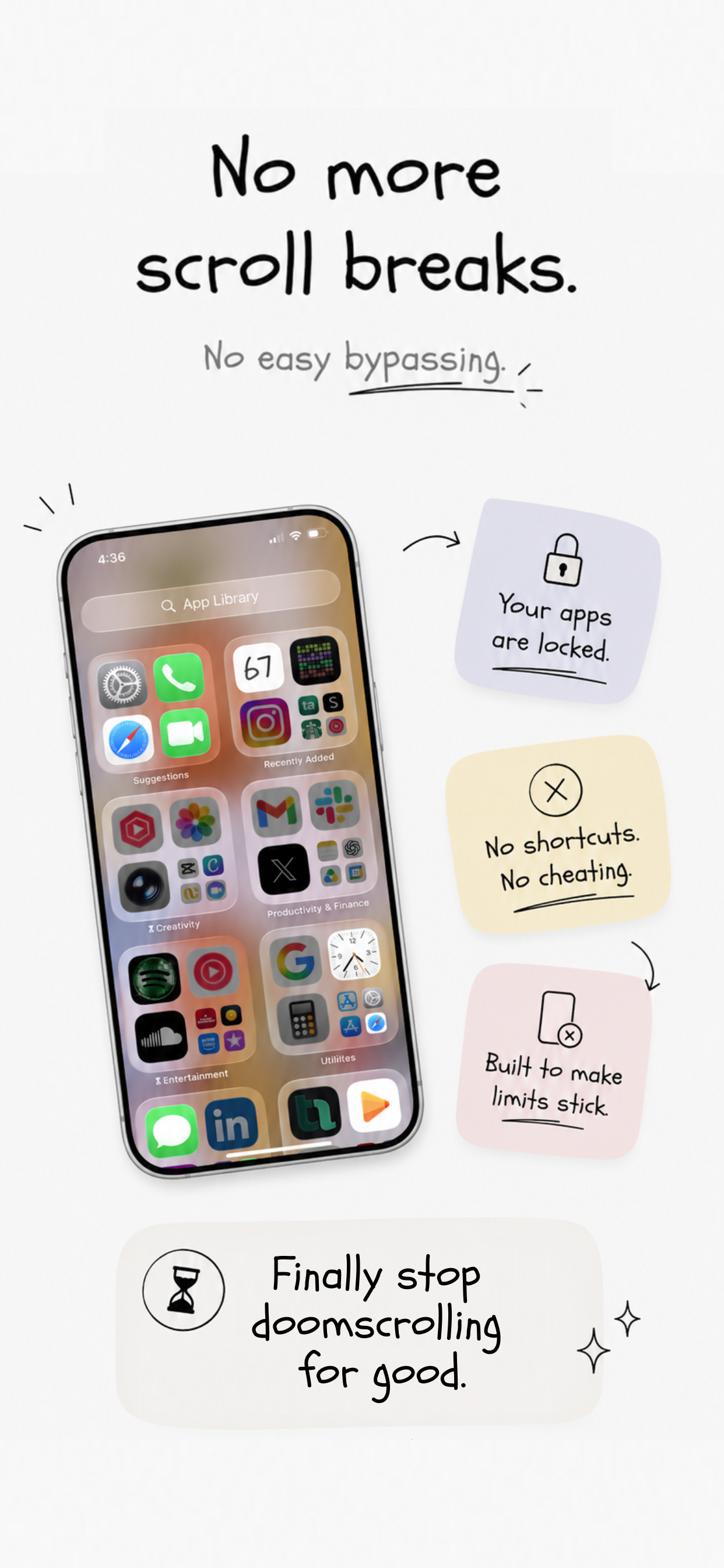
Earn your break by waiting. No cheating.
Apps lock the second your limit is up.
One emergency bypass per day, just in case.
Only your selected apps count toward the timer.
Break ends? Apps block again automatically.
No sign-up, no data collected. All on-device.